Yo, fellow drone enthusiasts! As a supplier of camera drones, I've seen it all when it comes to keeping those camera lenses sharp and the footage top - notch. In this blog, I'm gonna share some of my best tips on how to maintain the camera quality of a camera drone.
1. Regular Cleaning
First things first, cleaning your drone's camera is super important. Dust, dirt, and even moisture can easily accumulate on the lens, which will definitely mess with the quality of your shots. You don't need a bunch of fancy equipment to clean it. Just grab a microfiber cloth; it's soft enough not to scratch the lens. Gently wipe the lens in a circular motion to get rid of any smudges.
If there are stubborn stains, you can use a bit of lens cleaning solution. But be careful, don't use too much. Just dampen the microfiber cloth a little bit. And make sure you're in a clean environment when you're cleaning, so you don't end up getting more dirt on the lens.
After cleaning the lens, don't forget about the camera body. Use a soft brush to clean the vents and crevices. Dust can build up in there and cause overheating, which is bad news for the camera's performance.
2. Proper Storage
Storing your drone camera correctly is key to maintaining its quality. When you're not using it, don't just leave it lying around. Get a good - quality drone case. It'll protect the camera from physical damage, like bumps and scratches.
Also, pay attention to the storage environment. Avoid storing the drone in places that are too hot, too cold, or too humid. High temperatures can damage the internal components of the camera, while low temperatures can make the battery drain faster. And humidity can cause moisture to build up inside the camera, leading to corrosion.
If you're storing the drone for a long time, it's a good idea to remove the battery. Batteries can leak over time, and that can damage the camera. Plus, it's important to charge the battery to about 50% before storage and then charge it every few months to keep it in good condition.
3. Software Updates
Don't neglect software updates for your drone's camera. Drone manufacturers are always working on improving the camera's performance through software updates. These updates can fix bugs, improve image and video quality, and add new features.
Most drones have an app that you can use to check for updates. Just make sure your drone is connected to the app and you have a stable internet connection. When an update is available, follow the instructions in the app to install it. It might take a little time, but it's definitely worth it for better camera quality.
4. Calibration
Calibrating your drone's camera regularly is essential. Calibration helps the camera to accurately capture colors, focus, and other aspects of the image. Most drones have a calibration feature in the app.
The process usually involves following on - screen instructions, like pointing the camera at a specific target. Make sure you do this calibration in a well - lit environment with a neutral background. If the camera isn't calibrated correctly, you might end up with images that are off - color or out of focus.
5. Battery Management
The battery is like the lifeblood of your drone, and it also affects the camera quality. A weak or dying battery can cause the camera to malfunction, resulting in poor - quality footage.

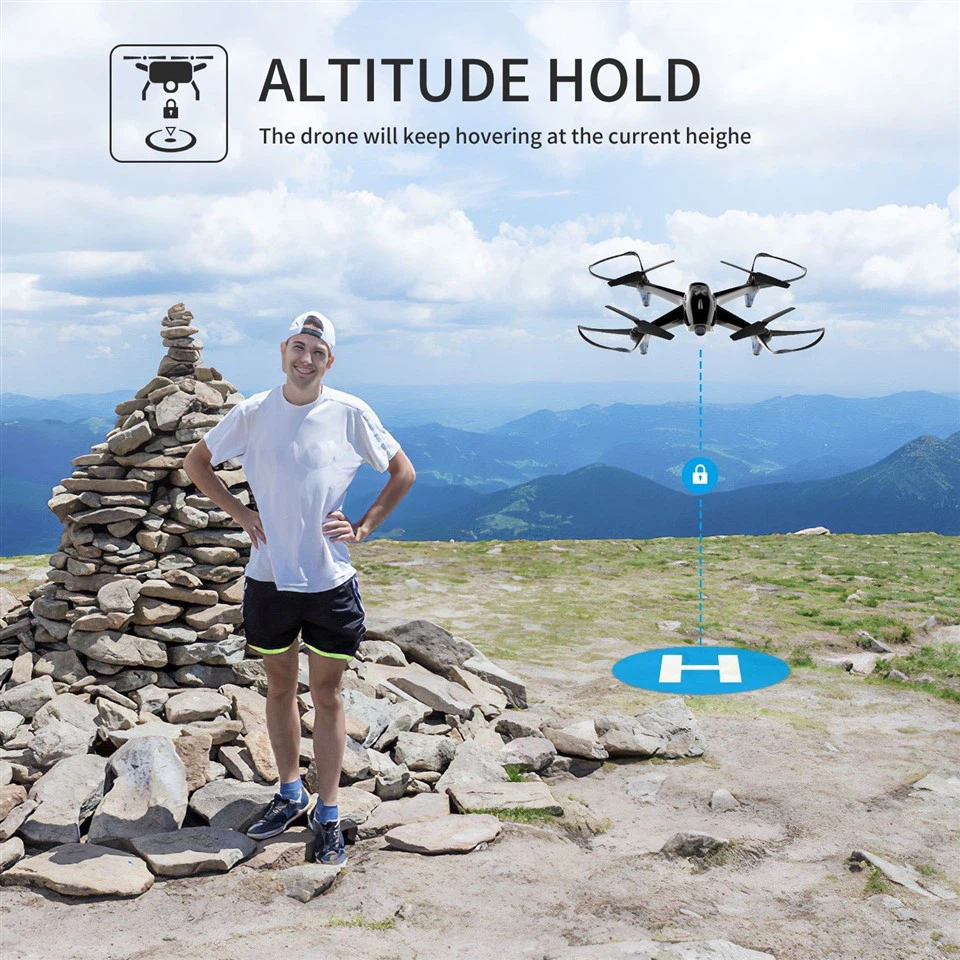
Always make sure your battery is fully charged before you go out to fly. And don't let the battery drain completely during a flight. Most drones have a low - battery warning system. When you get that warning, it's time to land the drone and recharge the battery.
Also, use the right charger for your drone's battery. Using an incompatible charger can damage the battery and, in turn, affect the camera's performance.
Our Camera Drones
At our place, we offer some really cool camera drones. Check out our Foldable Drone with 4k Camera. It's super portable and has amazing 4K video quality. You can take it with you wherever you go and capture stunning footage.
And if you're looking for something a bit different, our Drone with 1080p HD Camera and GPS is a great option. The GPS feature makes it easier to control and navigate the drone, and the 1080p HD camera takes clear and sharp videos.
Contact Us for Purchasing
If you're interested in buying our camera drones or have any questions about maintaining camera quality, don't hesitate to reach out. We're here to help you get the best out of your drone and keep that camera in top shape. Whether you're a professional photographer or just a hobbyist, our drones and advice can make a big difference in your aerial photography experience.
References
- Drone User Manuals
- Industry Blogs on Drone Maintenance
- Manufacturer's Technical Support Resources